ClassLink is the platform for students, teachers, and staff to access all their digital learning apps, tools, and files. Please note that ClassLink has replaced Clever starting in 2026.
How to login to ClassLink #
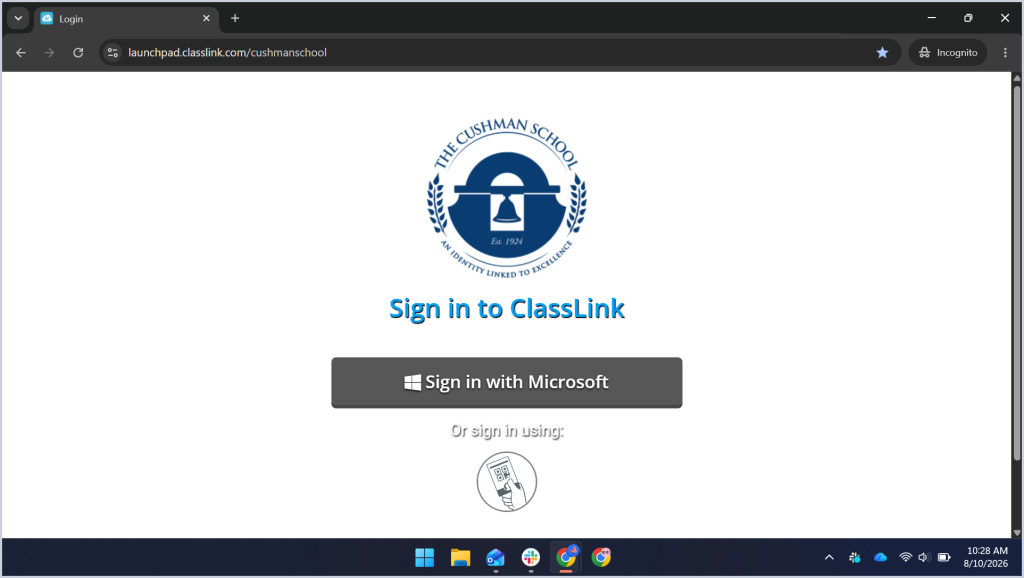
Access the ClassLink platform by going to https://launchpad.classlink.com/cushmanschool and click on “Sign in with Microsoft.”
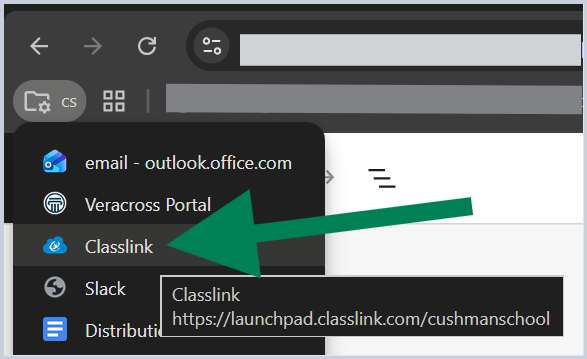
Alternatively, you can find the the ClassLink login URL on your Google Chrome profile, under the cs folder. You will need to be logged into your Cushman Google account in order to see it:
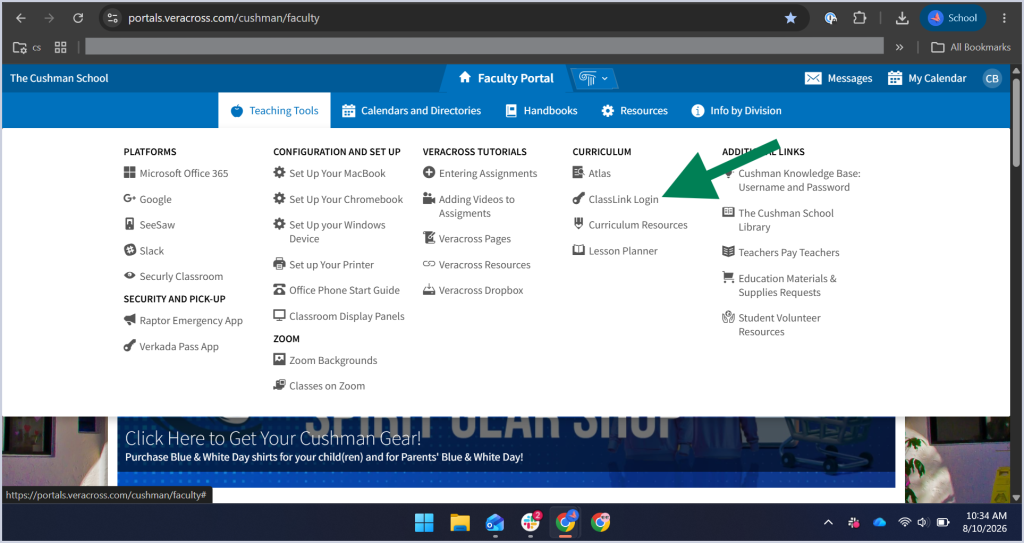
The ClassLink login URL is also listed on your Veracross Portal:
1. For faculty and staff: Click on Teaching Tools > under Curriculum, click on “ClassLink Login” as seen below:
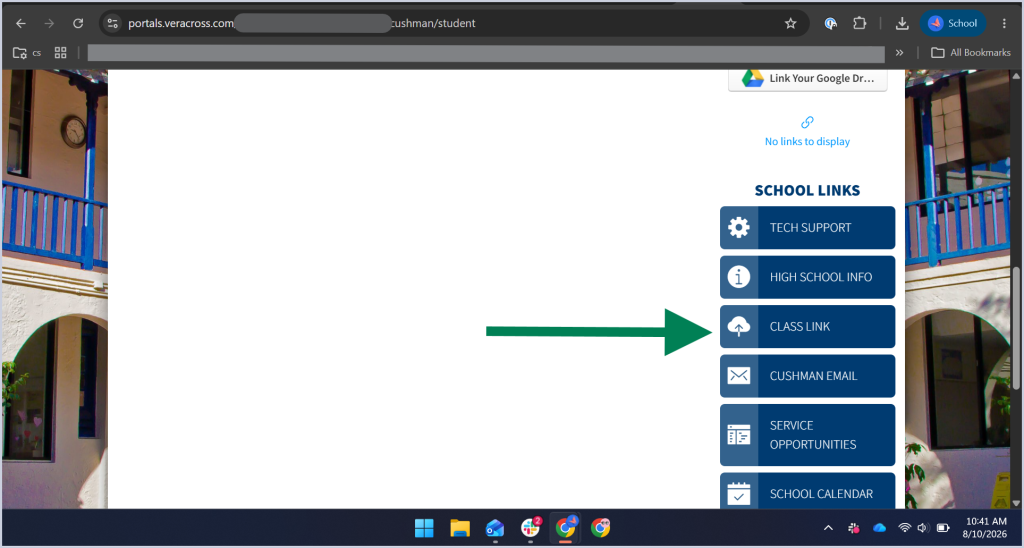
2. For students: scroll down to School Links and click on “CLASS LINK” as seen below: